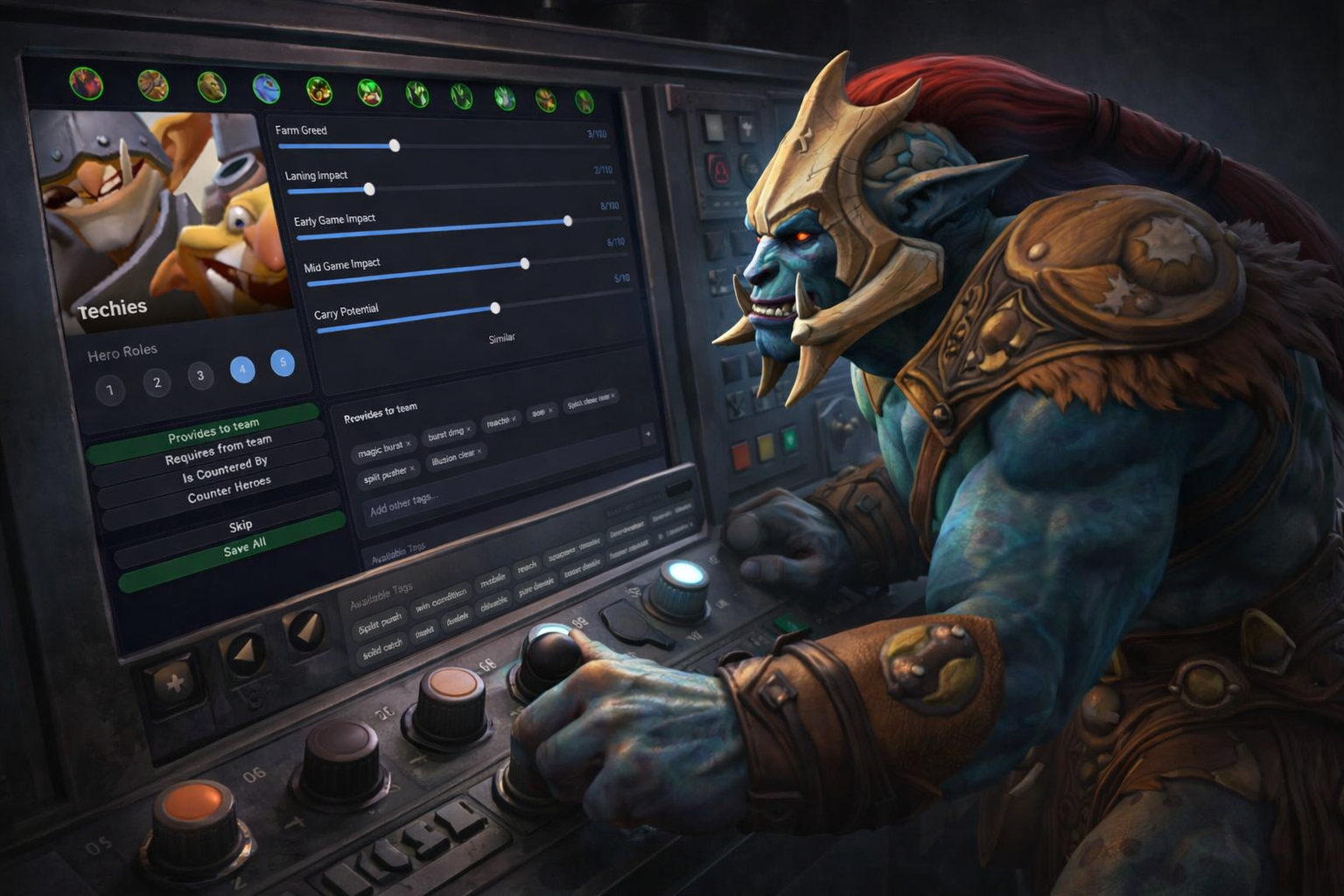
How it works
Get better picks in four steps
DotaDog keeps it simple. Follow the guide below and start winning more games tonight.
Download and install
Download the DotaDog companion app and run the installer.
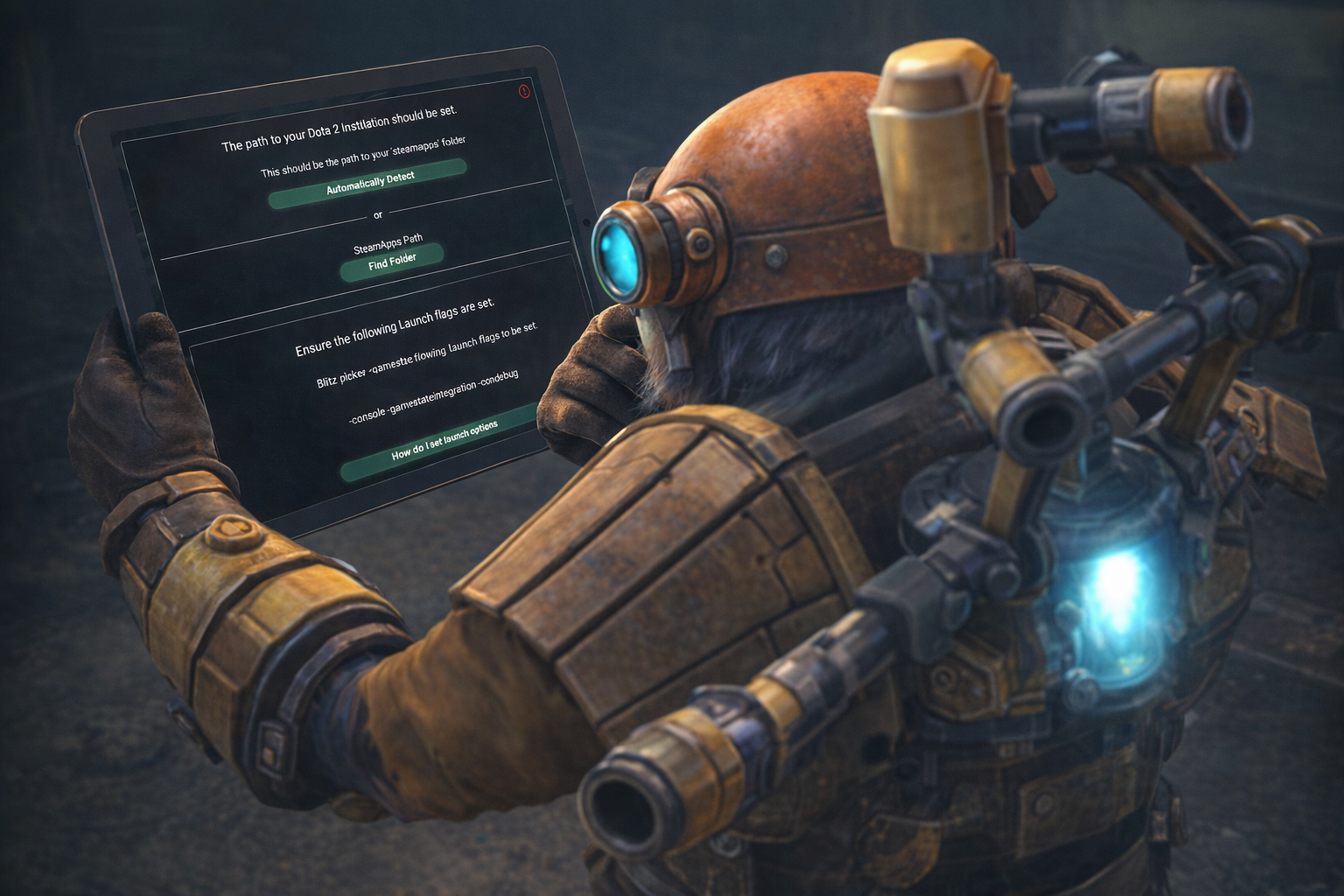
Go through the initial setup
For DotaDog to fully integrate with the game, several steps need to be undertaken. A GSI file needs to be created and the steamapps path needs to be set. The setup steps will walk you through each action.
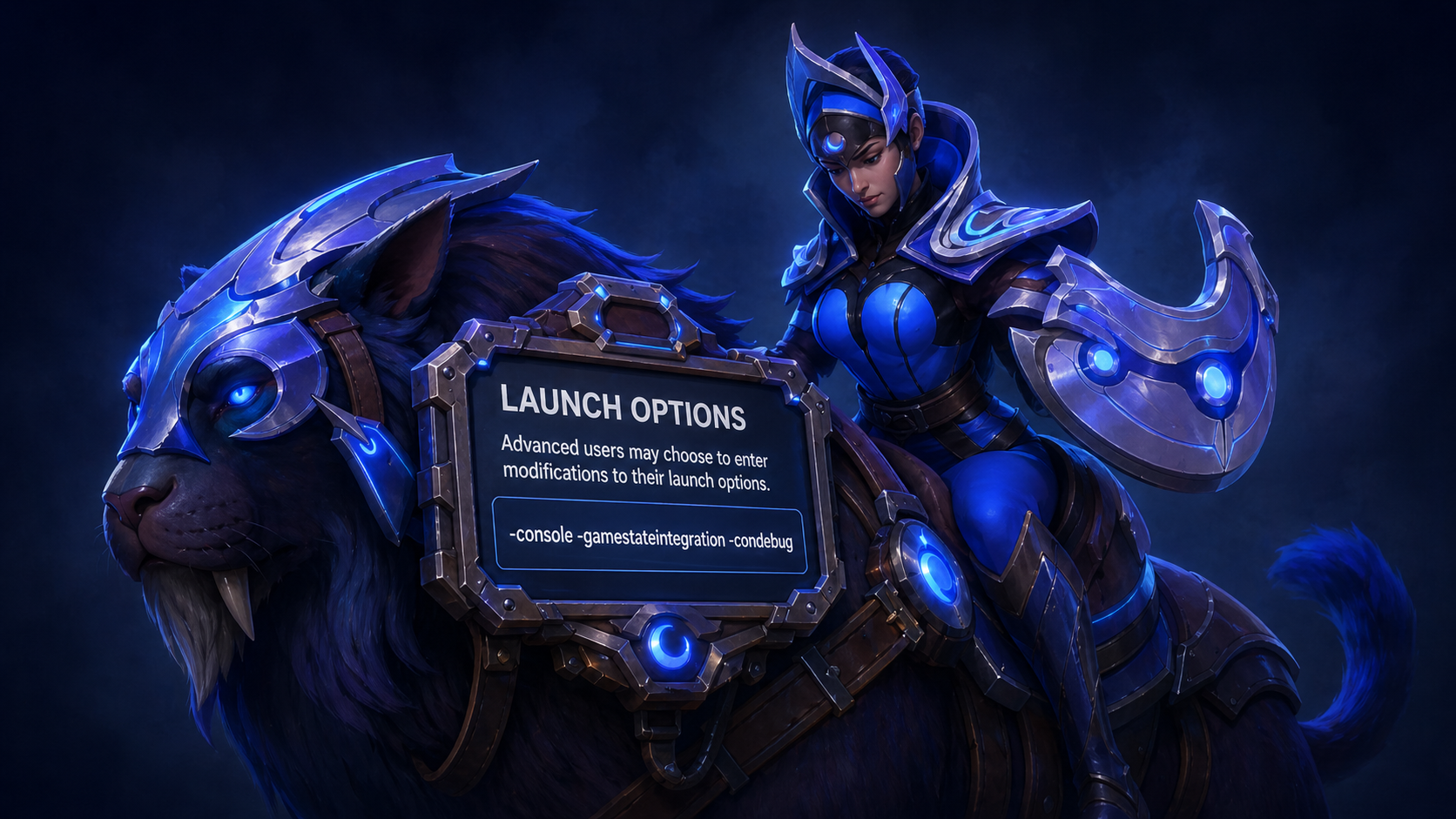
Set Dota 2 launch options in Steam
In Steam, open Dota 2 properties and set the Launch Options to: -console -gamestateintegration -condebug
Start a game
Simply start a Dota 2 game with the app running. The picker will automatically engage and allow you to click suggest to get the best picks.
Advanced features
Everything else DotaDog can do
Beyond the basics, DotaDog gives you a full suite of tools to deepen your understanding of every game.
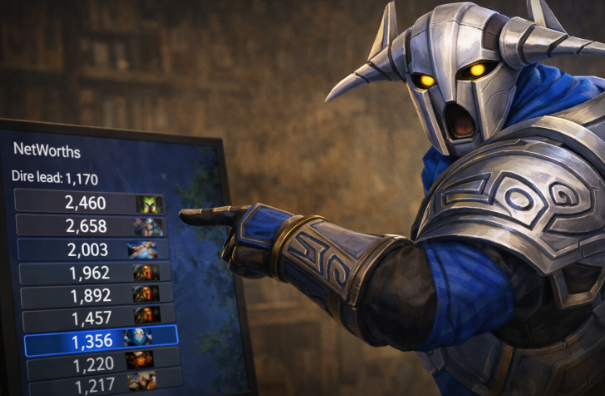
Hero Networths
Track delayed gold and networth across all heroes. Spot economic leads and deficits at a glance so you can decide when to push, defend, or take objectives.
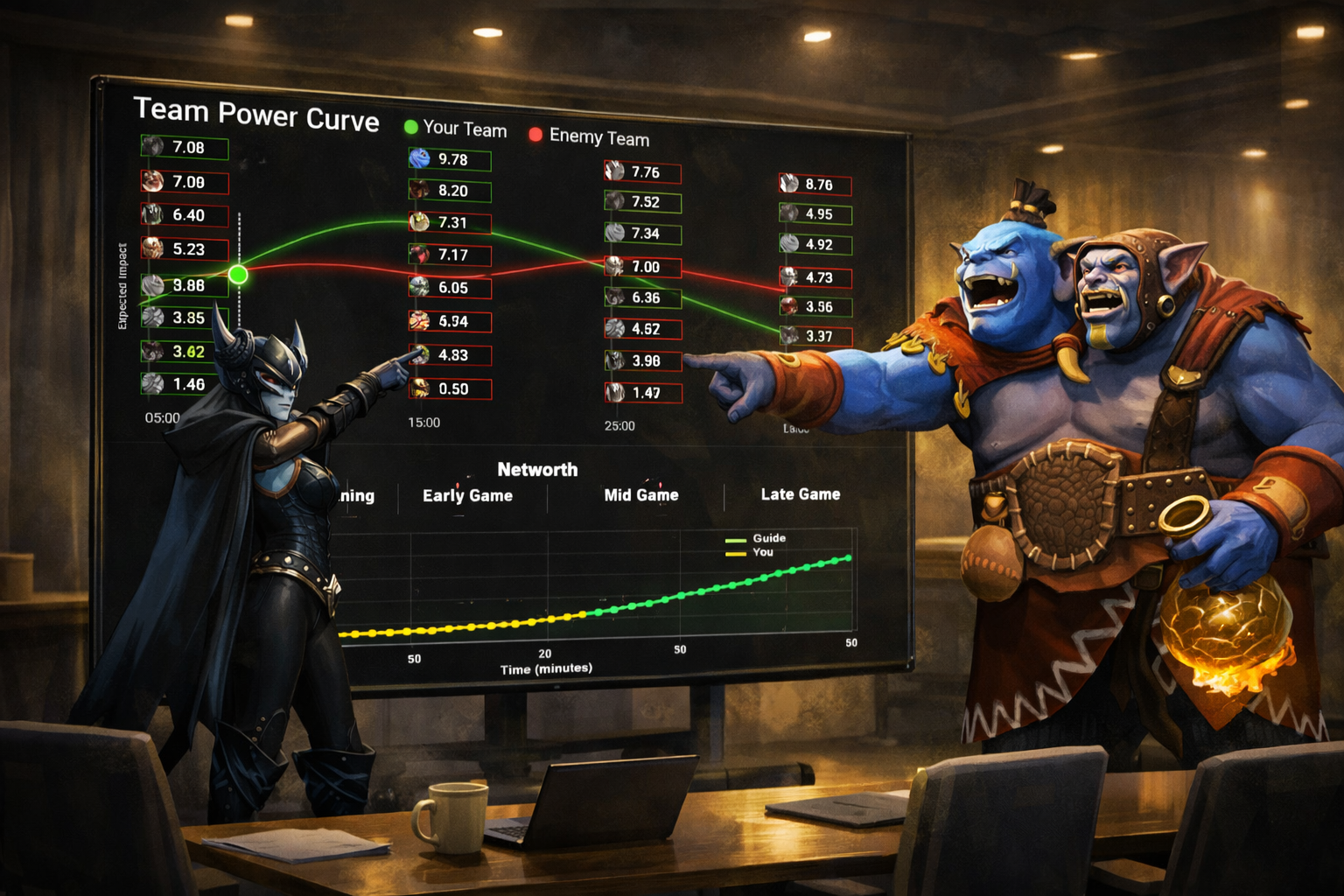
Game Win Prediction Curves
DotaDog models the likely outcome of your game based on draft strength, gold curves, and player skill ratings. Watch the prediction shift as the match evolves. Predict which heroes will give you trouble in the future.
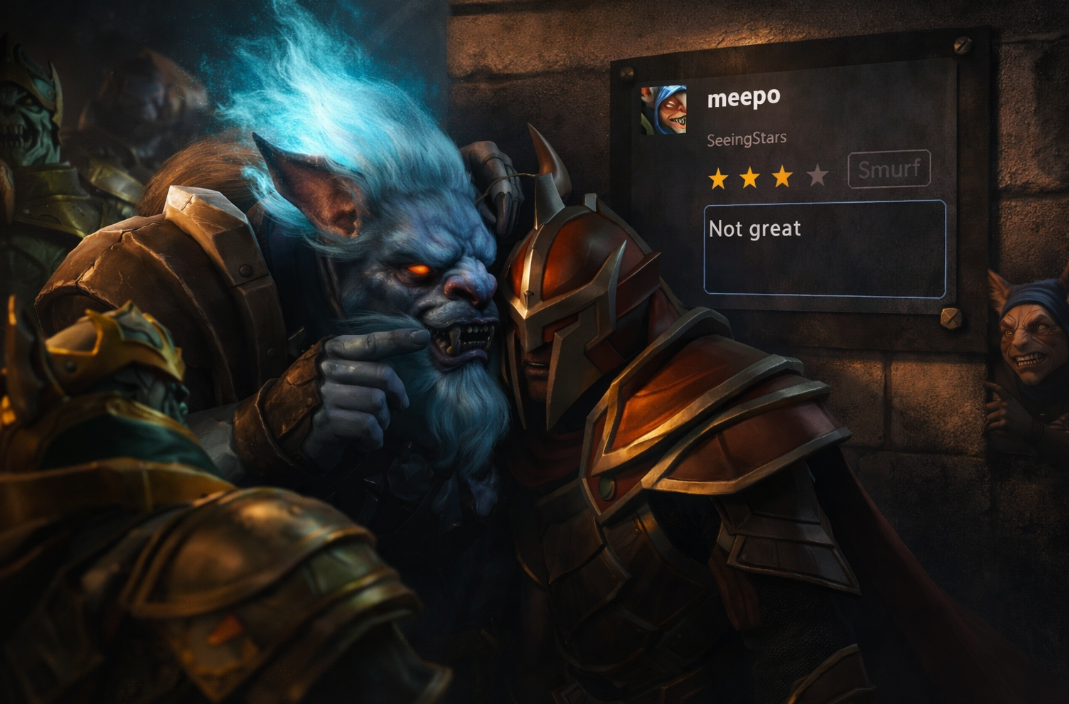
Player Rating
See a DotaDog performance rating for every player in the lobby. Quickly identify the strongest threats and the players most likely to carry the enemy team.
Guides and Synchronisation
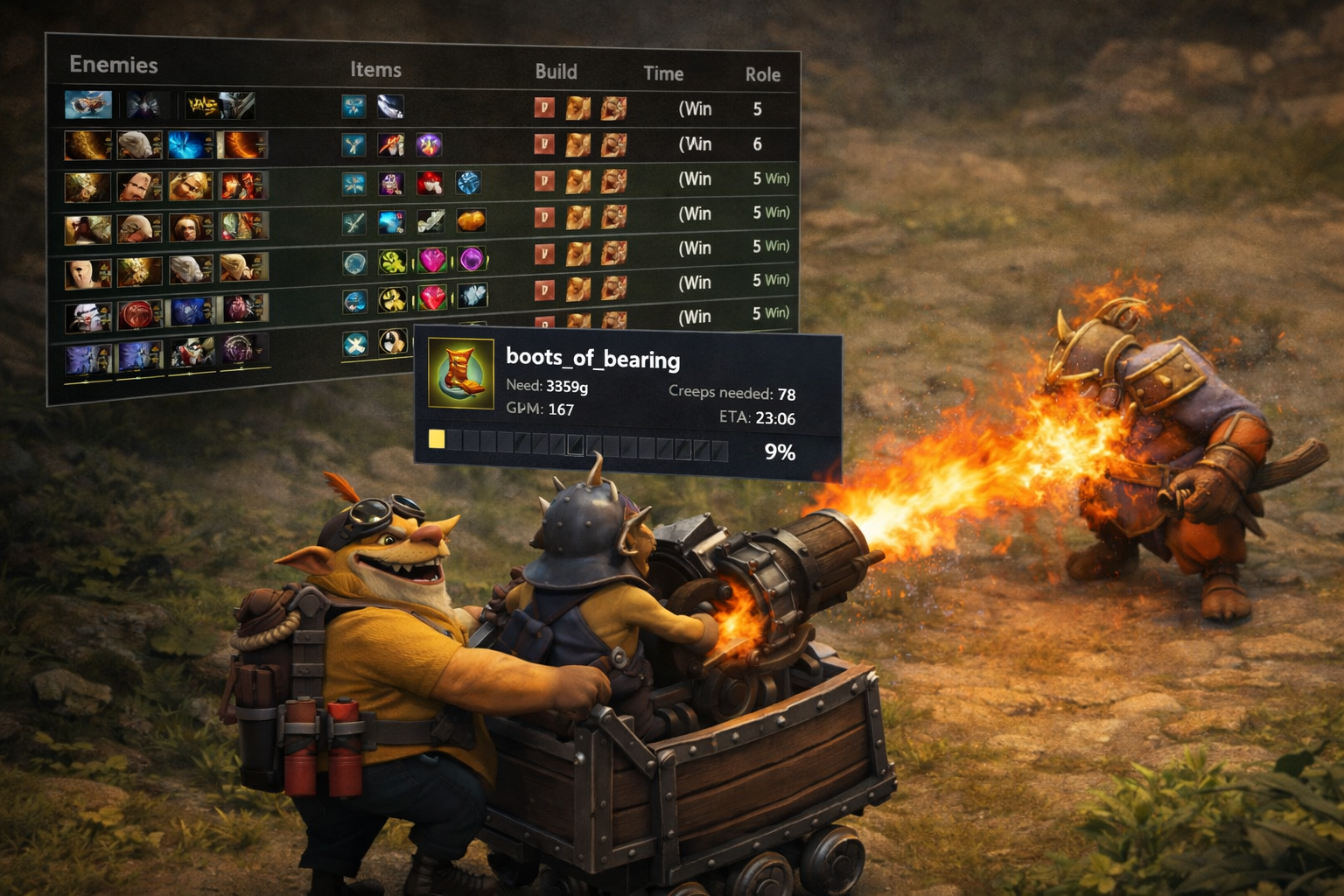
Load in-game guides that sync with DotaDog's pick engine. Item builds and skill orders are automatically tuned to your chosen hero and the enemy lineup.
Audio Alerts
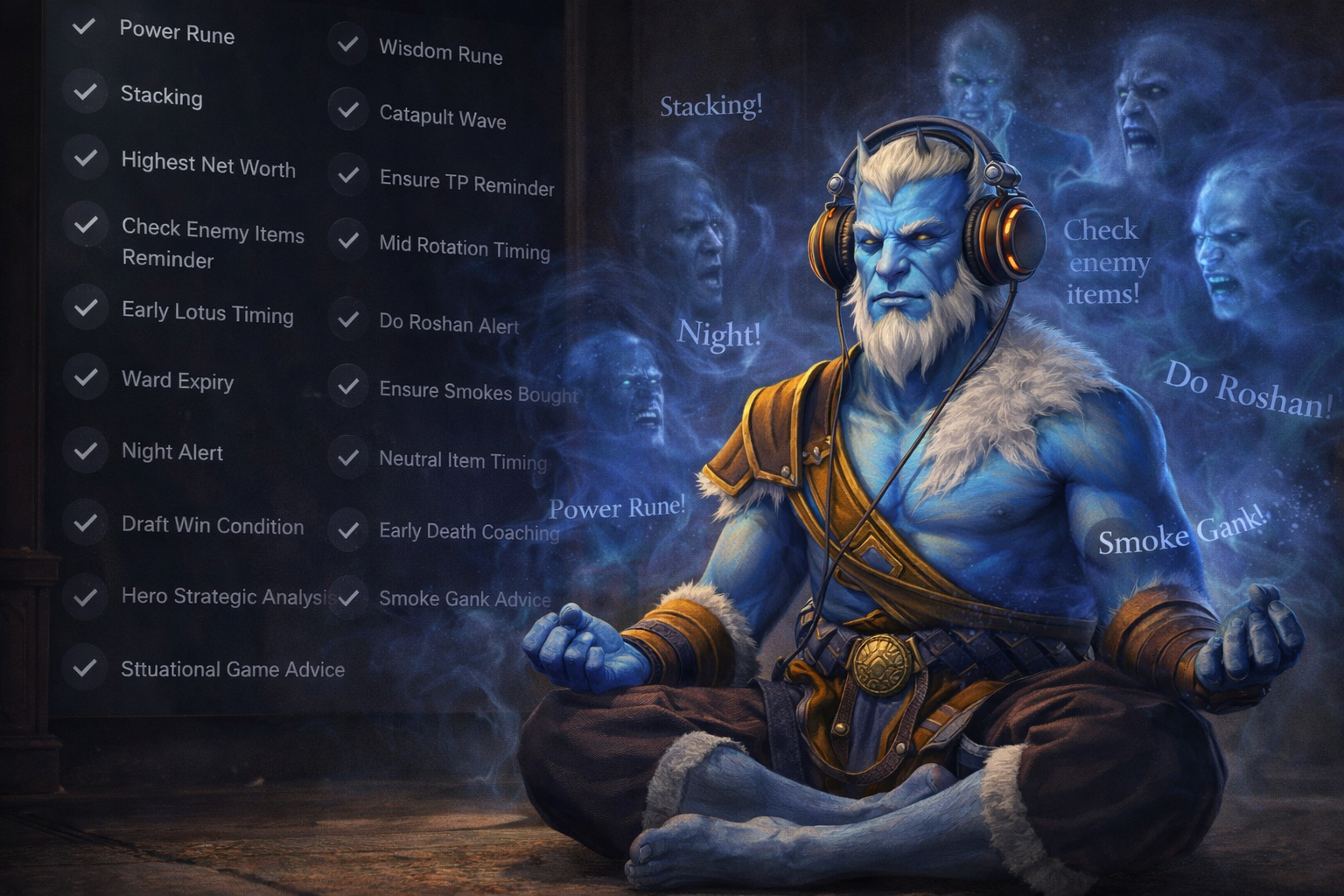
Stay focused on the game while DotaDog keeps you informed. Configurable voice and audio cues notify you of key events without you having to glance at the overlay.
Picker Customisation
Tailor the picker to your playstyle. Filter by hero role, complexity, or personal preference to ensure DotaDog only suggests heroes you're comfortable playing.